 ChannelCraft Studio
Make RetroBat look exactly how you want
ChannelCraft Studio is a friendly theme editor for RetroBat. Change colours, fonts, pictures and layouts with a live preview, and never worry about breaking anything.
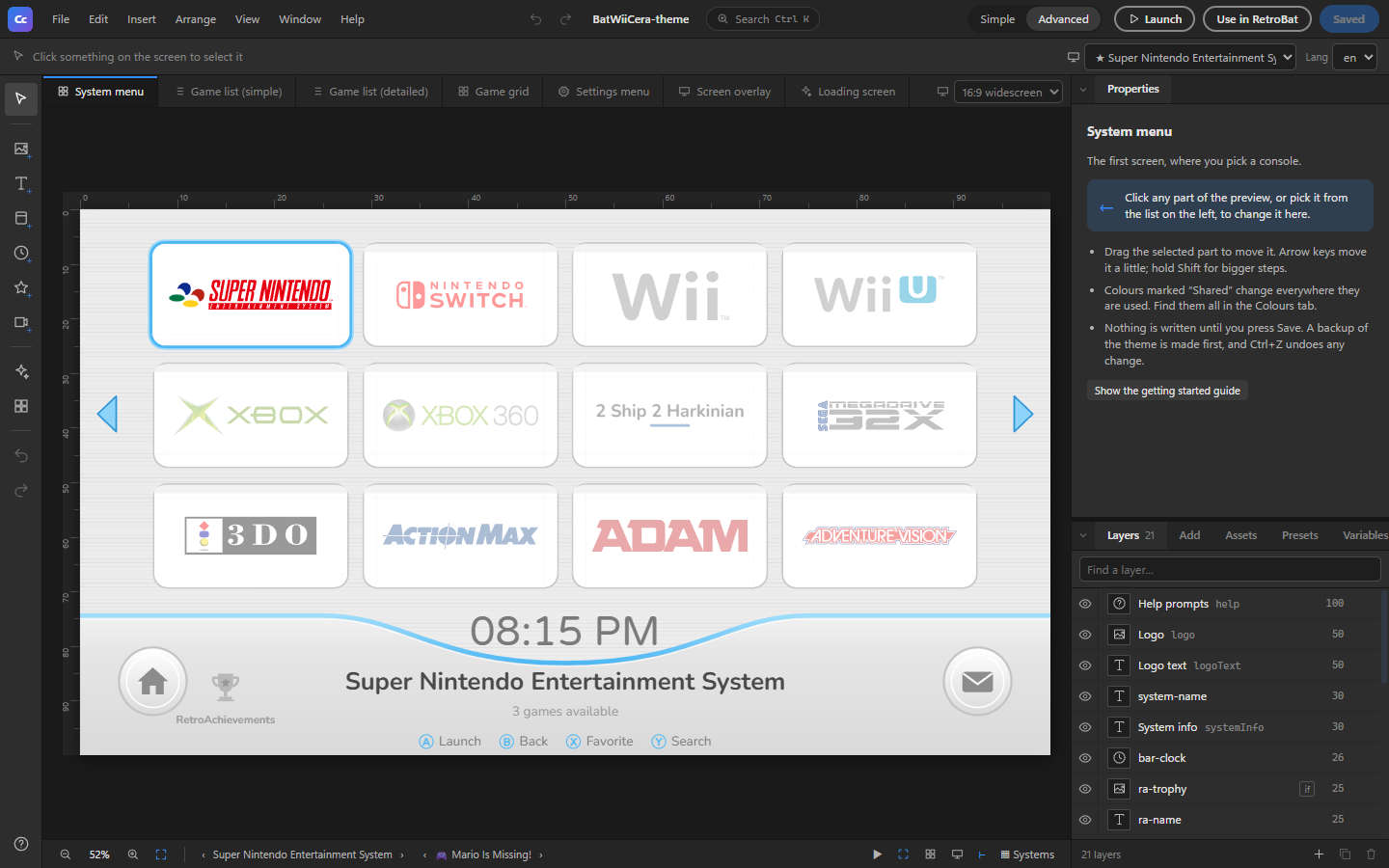
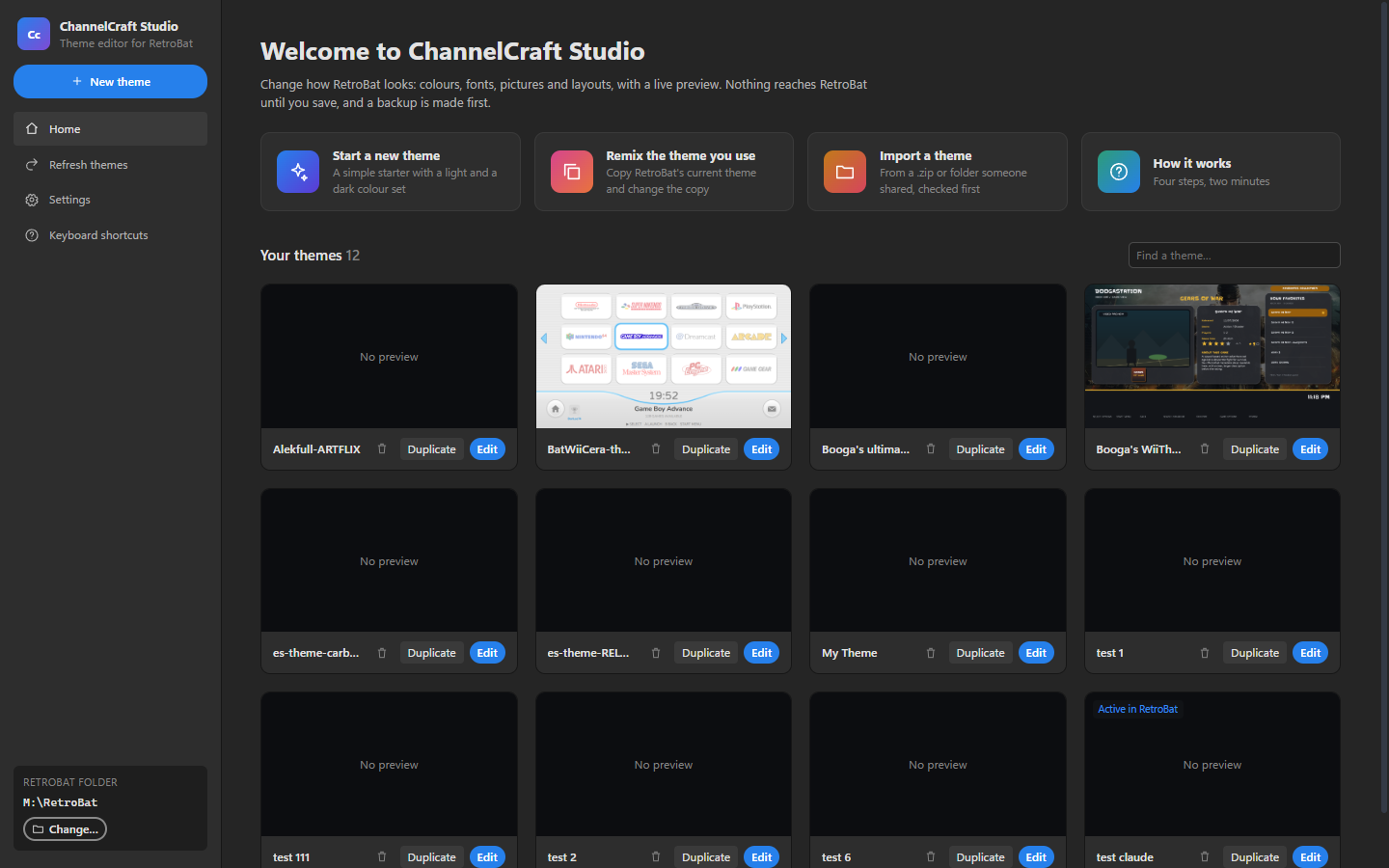
Everything you need to craft a theme
Point, click and drag. The app handles the theme files for you.
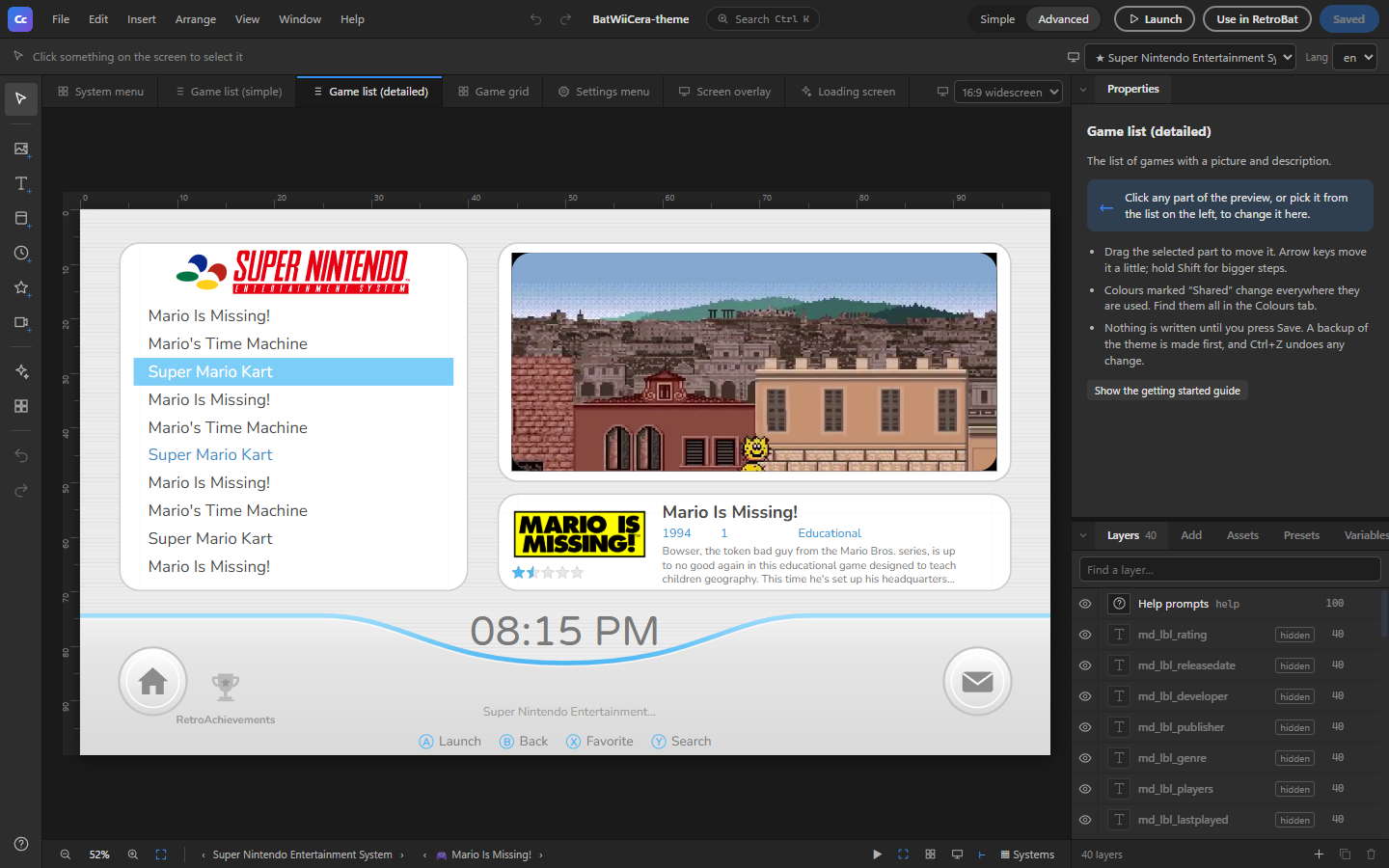
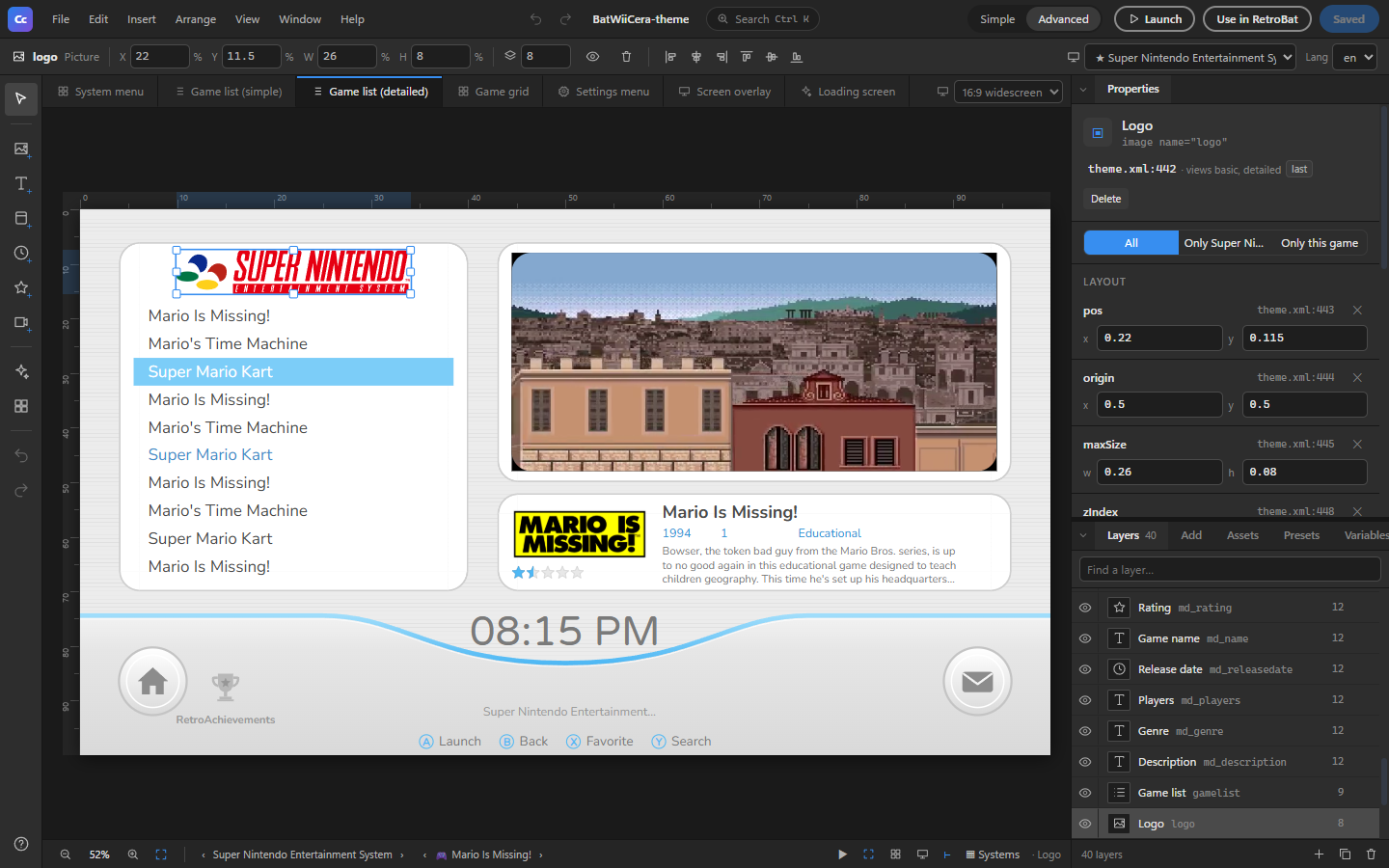
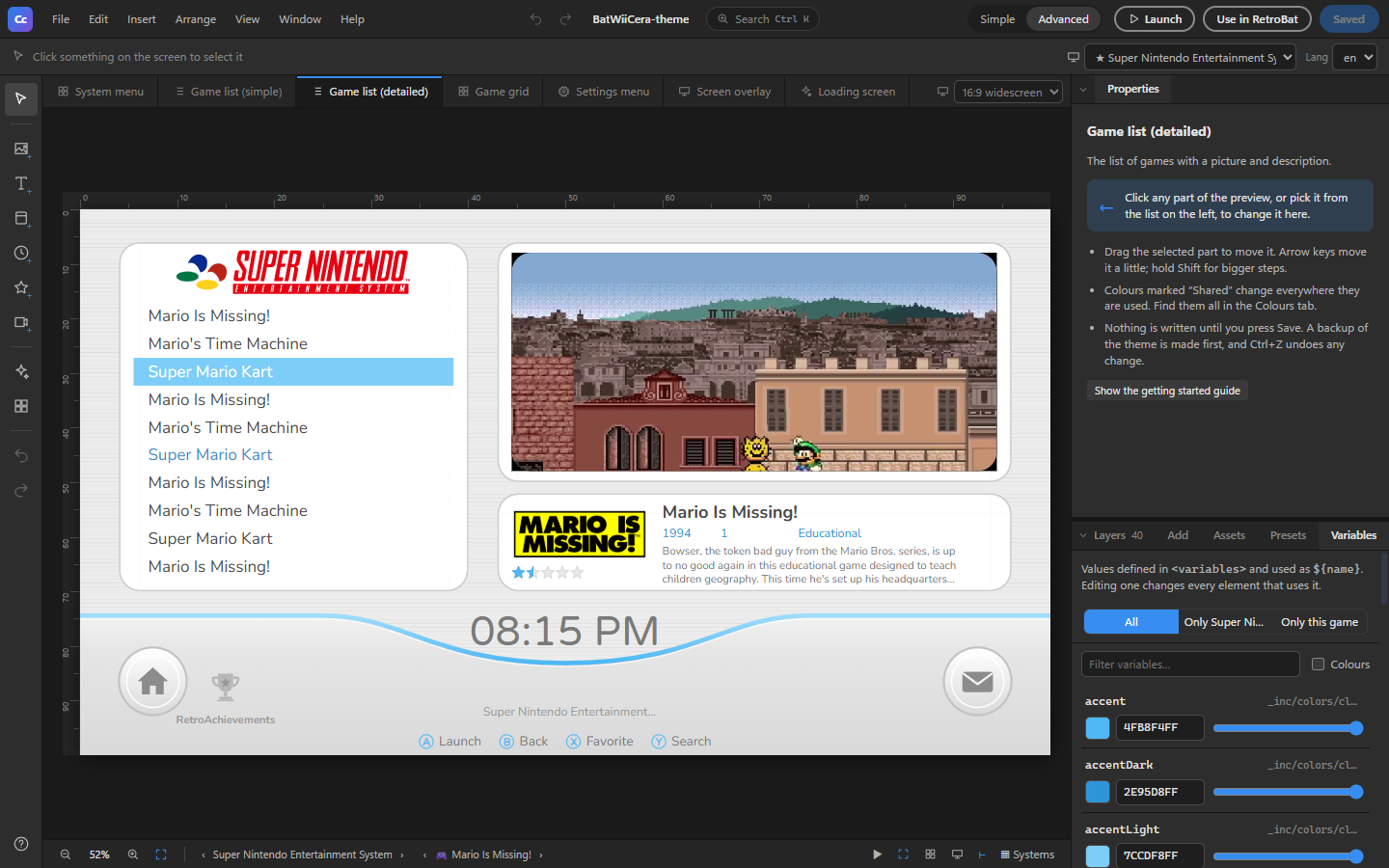
Tinker without the worry
Your RetroBat setup took time to get right. ChannelCraft Studio is built so you can play around without losing any of it.
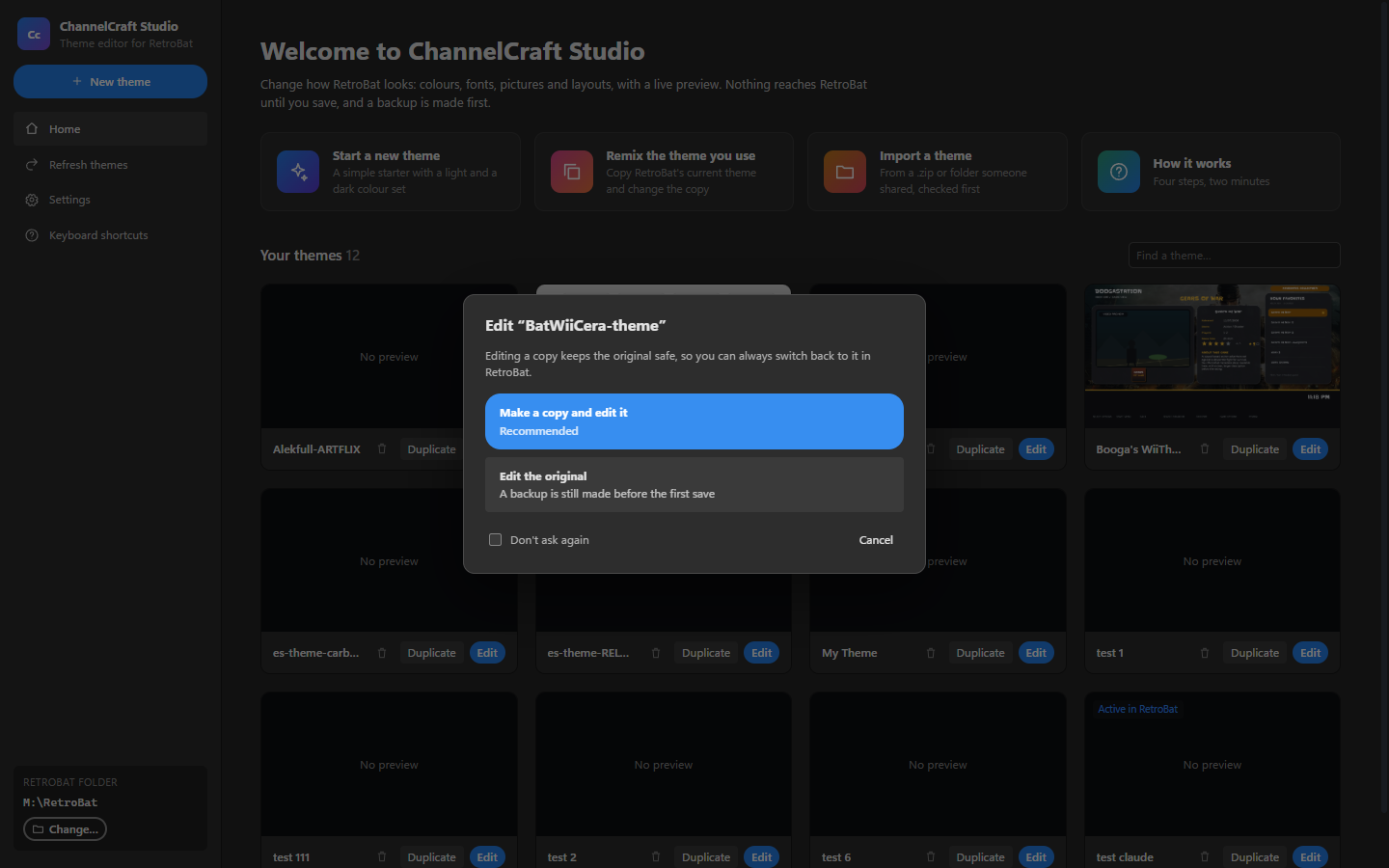
- Nothing changes until you save Experiment freely. RetroBat only sees your changes when you press Save.
- Automatic backups A zip of the theme is made before the first save of each session.
- Undo everything Every edit can be undone, including dropped-in pictures and deleted elements.
- Edit a copy Remix the theme you use and keep the original safe to switch back to.
From install to new look in minutes
Four steps. No config files, no command line.
Questions
RetroBat is a free, all-in-one retro gaming front end for Windows, built on EmulationStation. ChannelCraft Studio edits the themes that control how it looks.
No. Every setting has a friendly form, and you can click and drag on the preview. If you do like XML, the source is there too, and your formatting and comments are kept.
Nothing is written until you save, a zip backup is made first, and the app only writes inside RetroBat’s themes folder. You can also edit a copy and keep the original.
Any Batocera-EmulationStation theme installed in RetroBat, including ones with their own per-game layouts such as Hyperbat.
Nothing. ChannelCraft Studio is free and open source under the MIT licence.
Give your arcade a fresh coat of paint
Free, open source and made for RetroBat on Windows.
Download ChannelCraft Studio